The 3-2-1 Backup Strategy: Ransomware-Resistant Backups
What 3-2-1 means, why ransomware forced the 3-2-1-1-0 update, how immutability and air gaps work, and the restore testing that decides whether any of it was real.
The 3-2-1 rule predates ransomware. It was written for a world where data was lost to hardware failure, accidental deletion, fire and theft, and against those it works: three copies, two media types, one offsite means no single failure takes everything.
Ransomware broke the assumption it rests on, which is that the threats to your copies are independent. An attacker with administrative credentials attacks all your copies deliberately, and copies that are reachable from the environment are copies they can reach. Every backup mounted as a network share, every snapshot deletable through an API, and every replication target reachable from the production domain fails at the same moment for the same reason.
This guide covers the original rule, what the ransomware era added, how immutability actually works, and the restore testing that determines whether any of it was true.
Scope: Anatomy of a Ransomware Attack owns the attack, What Is a Wiper owns destructive malware, and Incident Response 101 owns the response. This page owns the recovery capability.
The original rule
Three copies. The production data plus two backups. Two copies means one failure away from a single copy, and single copies fail.
Two media types. Disk and tape, local disk and object storage, on-premises and cloud. The point is that a failure mode affecting one type, a firmware bug in a drive model, a filesystem corruption, an encryption event against a mounted share, does not take both.
One offsite. Geographic separation, so a fire, a flood or a burglary does not destroy the primary and its backup together. Far enough that one event cannot affect both, which usually means a different building at minimum.
Against hardware failure and physical disaster this holds up unchanged. What it does not address is an intelligent adversary inside the environment.
What ransomware changed
Modern ransomware operations spend days or weeks inside a network before anything is encrypted. During that time, with administrative credentials, the operators systematically remove recovery options:
- Volume shadow copies deleted, so local file recovery is unavailable. This is near-universal.
- Network-attached storage encrypted, because the backup share was mounted with credentials the compromised host held.
- Backup software attacked directly, since the backup server is a high-value target that by design has read access to everything.
- Cloud snapshots and objects deleted with stolen credentials, in accounts where the backup identity was the same identity used for production administration.
- Backup agents disabled or retention shortened weeks in advance, so what remains at encryption time is already useless.
Encryption is the last step, once recovery has been removed. Which means a backup regime is only as good as the parts of it an attacker with your administrator's credentials cannot reach.
3-2-1-1-0
The updated form adds two requirements.
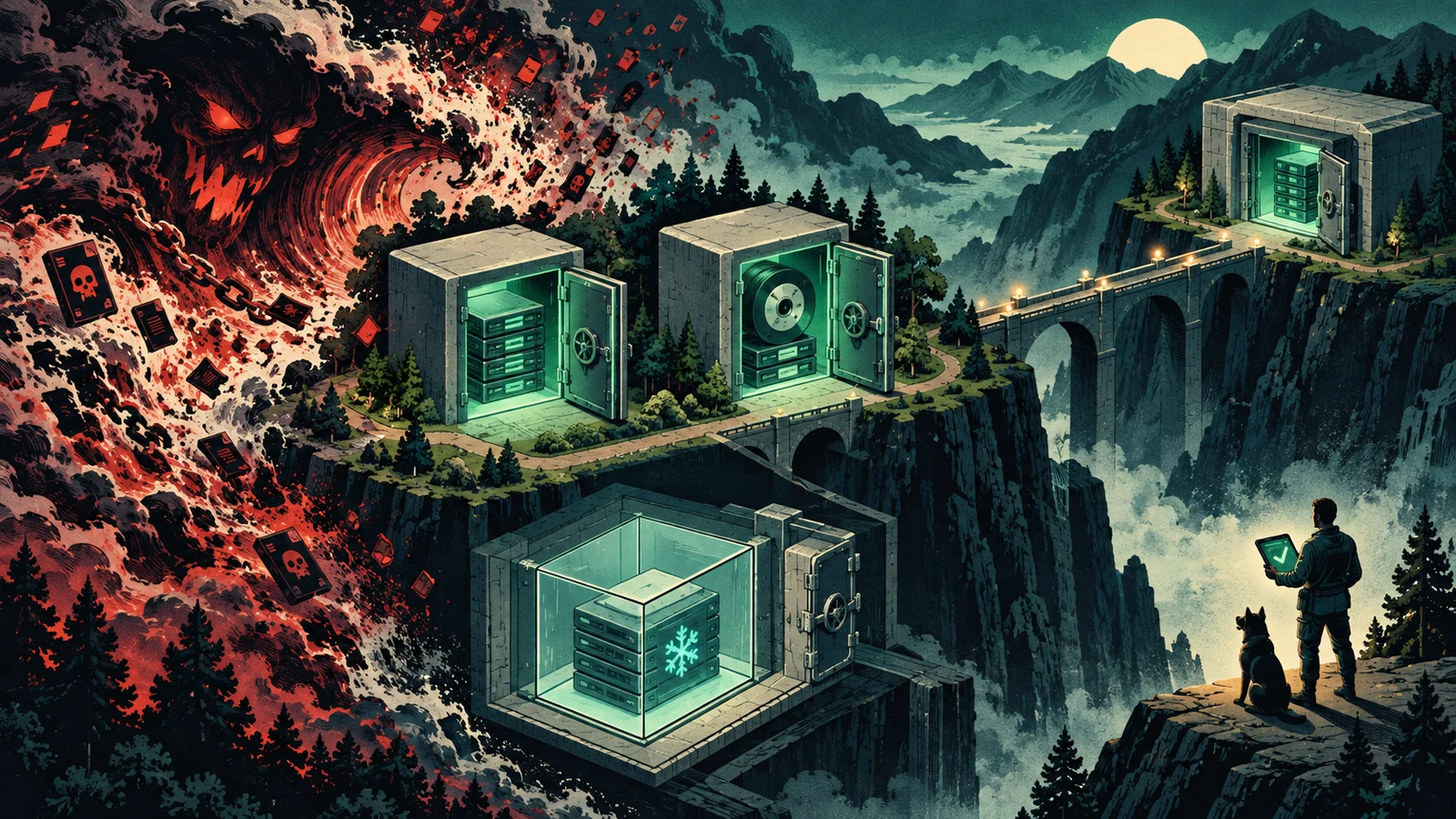
One copy offline, air-gapped or immutable. A copy that cannot be deleted or altered by anyone operating inside the environment. Three ways to get this:
Physical air gap. Tape written and removed, or a disk disconnected after the backup. Nothing on the network can touch it. Slow to restore from and unambiguous about its properties.
Immutable storage. Object lock on cloud object storage, or a hardened repository on a backup appliance. The retention period is enforced by the storage layer, so a delete request from an authenticated administrator is refused. In governance mode a privileged user with a specific permission can override it; in compliance mode nobody can, including the account root, until retention expires. Compliance mode is what to use for the copy of last resort, with the understanding that you also cannot delete it early, which has cost implications you should model before enabling.
Logical air gap. A separate account, separate credential domain and separate identity provider, with no trust relationship to production and no shared administrators. Weaker than the other two and much better than nothing.
Zero errors. Backup verification and restore testing must pass. This is in the rule because the most common backup failure is not that the backup was destroyed. It is that it was never good.
Immutability in practice
For object storage, the shape is:
# A bucket must have versioning and object lock enabled at creation
aws s3api create-bucket --bucket backups-immutable --object-lock-enabled-for-bucket

# Default retention for new objects
aws s3api put-object-lock-configuration --bucket backups-immutable \
  --object-lock-configuration '{"ObjectLockEnabled":"Enabled","Rule":
    {"DefaultRetention":{"Mode":"COMPLIANCE","Days":30}}}'
Three things to get right around it:
The credential that writes backups should not be able to delete them. A write-only identity with s3:PutObject and no delete permission, separate from any identity used for administration. Object lock protects even against delete attempts, and defence in depth costs nothing here.
Retention must exceed dwell time. If an attacker is in the environment for six weeks before encrypting, a fourteen-day retention window means every immutable copy still available at recovery time was written while they were present. Thirty days is a common floor and longer is safer.
Model the cost. Immutable objects cannot be deleted early, so a mistake in a retention policy or a runaway backup job is a bill you pay to its end. Test the configuration on a small bucket first.
The other decisions
RPO and RTO. Recovery point objective is how much data you can afford to lose, which sets backup frequency. Recovery time objective is how long you can afford to be down, which sets the recovery architecture. Nightly backups mean an RPO of up to 24 hours, and no amount of restore speed changes that.
Backup is not disaster recovery, and neither is archive. Backup restores data. Disaster recovery restores service, which needs infrastructure, networking, identity and dependencies as well as data. Archive keeps data for compliance and is not designed for fast recall. Organisations that conflate them discover the difference during an outage.
Encrypt the backups, and keep the keys somewhere the backups do not depend on. Backup data is a complete copy of everything sensitive you hold, sitting outside the controls that protect production. The key management question is covered in Cloud Key Management Explained, and the failure mode to avoid is storing the only copy of the key inside the system you are backing up.
Retention with versions. Ransomware sometimes encrypts slowly, corrupting data over weeks. A single most-recent copy inherits the corruption. Keeping daily, weekly and monthly generations gives you a point before it started.
Back up the things nobody lists. Configuration, infrastructure-as-code state, certificates and private keys, database schemas, the identity directory, and the documentation needed to rebuild. A restore of application data onto an environment nobody can reconstruct is a partial recovery.
SaaS platforms. Providers protect against their own failures and offer a deletion retention window. They do not protect against an attacker using valid credentials to delete or encrypt at scale, and once the window passes the data is gone. If a SaaS platform holds data the business cannot operate without, it needs a backup you control.
Testing
A backup that has never been restored is a hypothesis, and the failure rate on first restores is high enough that this is not a rhetorical point.
What goes wrong, in roughly descending frequency:
- A job that has been failing for weeks with alerts routed to a mailbox nobody reads.
- Backups running against a subset of systems, because the agent was never installed on the ones added since.
- Application-inconsistent backups, where the files were copied while the database was writing, so the restore is corrupt.
- Missing dependencies: the data restores and the application will not start without a service, a certificate or a licence server nobody backed up.
- The encryption key stored only inside the environment that was encrypted.
- A restore that works and takes eleven days.
A test schedule that catches these:
- File-level restore, monthly. Cheap, and catches the broken-job case immediately.
- Full server restore, quarterly. To isolated infrastructure, timed.
- Application stack restore, at least annually. Everything a service needs, brought up from backup, with the dependencies discovered rather than assumed.
- A tabletop against total loss, where the assumption is that production identity and the backup console are both unavailable. This is the scenario that finds out whether the recovery runbook lives on a file share inside the environment being recovered.
Record recovery times and compare them to the RTO. The gap between the two is the most useful output of the whole exercise, because a 40 TB restore over a link delivering 200 Mbps takes roughly nineteen days of continuous transfer, and no backup product changes that arithmetic. If that number is unacceptable, the answer is a different recovery architecture rather than a different backup schedule.
A workable configuration
For a small or mid-sized organisation:
- Copy 1. Production data.
- Copy 2. Local backup to disk, hourly or daily, fast to restore from for the common case of one deleted file or one broken server.
- Copy 3. Cloud object storage with object lock in compliance mode and 30 days or more of retention, written by an identity with no delete permission that is not used for anything else.
- Optional copy 4. Tape or removable disk rotated offsite, for the case where the cloud account itself is compromised.
- Credentials. The backup platform authenticates against something separate from the production directory, with its own MFA and its own administrators.
- Monitoring. Failures alert somewhere a human reads, and a successful backup that contains less data than yesterday's is treated as a failure.
- Testing. Monthly file, quarterly server, annual application, all timed.
The verdict
3-2-1 remains a good baseline for the risks it was written against. Ransomware added a requirement it did not have: one copy that an attacker holding your administrator's credentials cannot delete, which in practice means object lock in compliance mode, or tape on a shelf.
The part that decides whether a recovery works is not in the acronym. It is that somebody restores from the backup on a schedule and writes down how long it took, and that the credentials protecting the backups are not the same credentials the attacker will already have.
Related guides
Sources & further reading
- CISA #StopRansomware Guide (CISA)
- NIST SP 800-34 Rev. 1: Contingency Planning Guide for Federal Information Systems (NIST)
- Using S3 Object Lock (Amazon Web Services)
- NIST SP 1800-11: Data Integrity, Recovering from Ransomware and Other Destructive Events (NIST NCCoE)
- Mitigating malware and ransomware attacks (UK National Cyber Security Centre)