MFA Fatigue Attacks: How Push Bombing Works
How MFA fatigue and push bombing turn a stolen password into access, the Uber and Cisco cases, and the settings and detections that stop it.
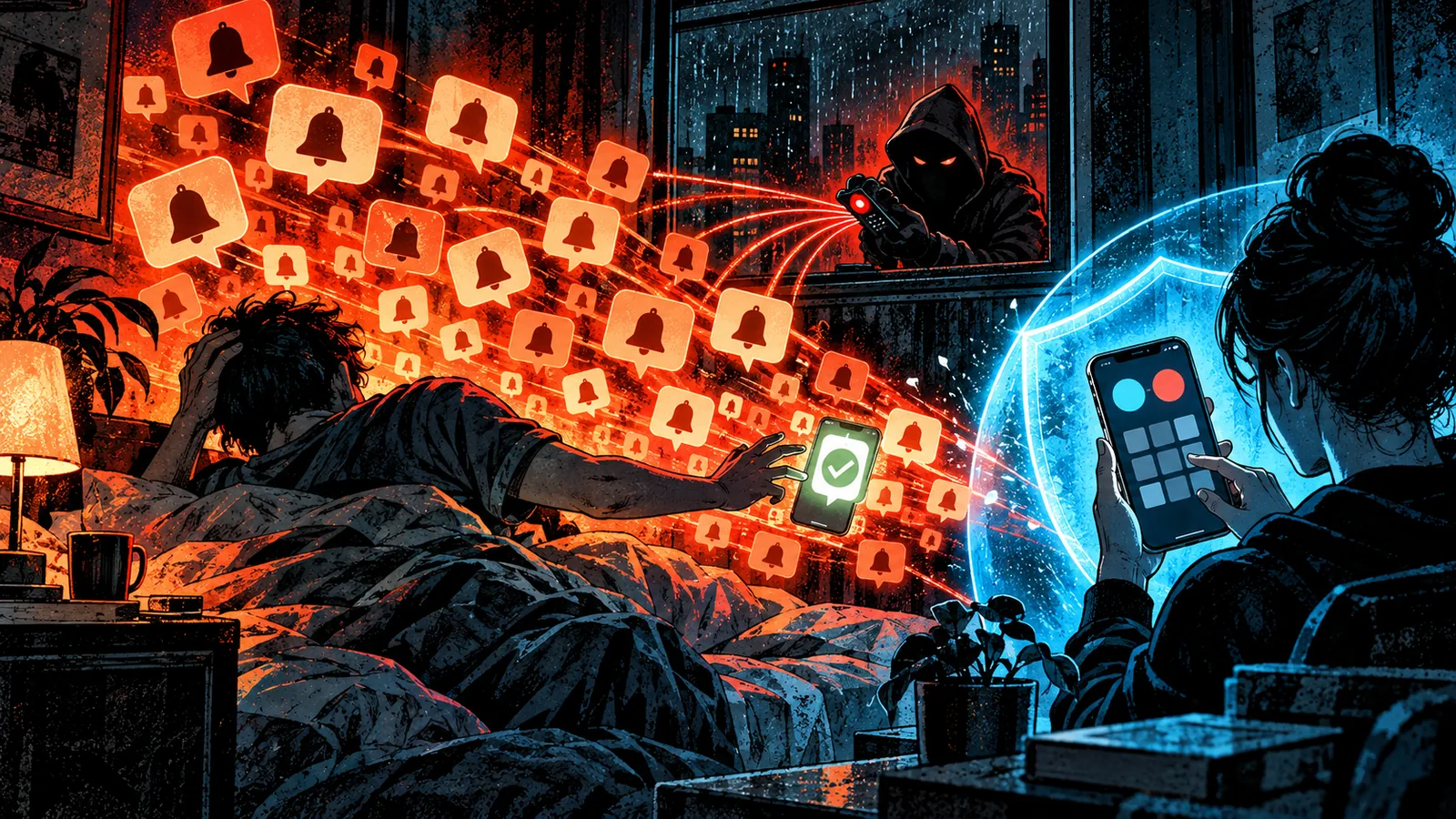
Push notification MFA was designed to be easy: a prompt appears, you tap Approve, you are in. MFA fatigue attacks turn that ease against the user. An attacker who already has the password starts the login over and over, and the victim's phone keeps buzzing until, out of irritation, confusion or misplaced trust, someone taps Approve.
The technique needs no malware and no exploit. It needs a password and patience, which is why it featured in several of the most visible breaches of 2022. This guide covers how it works, the cases that defined it, and the configuration changes that make it stop working.
How an MFA fatigue attack works
MITRE ATT&CK catalogues the technique as T1621, Multi-Factor Authentication Request Generation. Its description: adversaries "may abuse the automatic generation of push notifications to MFA services such as Duo Push, Microsoft Authenticator, Okta, or similar services to have the user grant access to their account." CISA's fact sheet calls the same thing push bombing.
The attack runs in four stages.
- Get a valid password. Common sources are infostealer logs, credential reuse from older breaches, or a phishing page. Uber said its attacker likely bought a contractor's password after malware infected the contractor's personal device.
- Trigger prompts repeatedly. Each sign-in attempt sends a push to the victim's phone. Attackers send them in bursts, late at night, or spread through a working day.
- Add a story. A message or call from someone claiming to be IT explains the prompts and asks the victim to approve one so the "glitch" stops.
- Lock in access. After one approval, the attacker often registers a new MFA device of their own so they no longer need the victim.
Some variants skip the flood entirely and rely on a single well-timed prompt plus a convincing call. MITRE notes the same approach works with SMS codes and phone-call verification.
Why it works
Each prompt looks identical, carries no information about who started it, and asks for one tap. A person who has been woken repeatedly, or who has just been told by "IT" that approving fixes the problem, has every reason to tap. The victim is acting on a plausible explanation for what they are seeing. Uber's account says the contractor received approval requests that initially blocked access and "eventually, however, the contractor accepted one."
Configuration often helps the attacker. Many deployments allow unlimited prompts, never alert on repeated denials, and accept a simple Approve with no context. Those are settings, and each can be changed.
Notable cases
Lapsus$, 2021 and 2022. In March 2022 Microsoft published an analysis of the group it tracked as DEV-0537, better known as Lapsus$. It described the group "using stolen passwords to trigger simple-approval MFA prompts," "spamming a target user with multifactor authentication (MFA) prompts and calling the organization's help desk to reset a target's credentials," and paying employees or contractors to approve prompts. Microsoft's recommendation was to use FIDO tokens or Microsoft Authenticator with number matching, and to avoid "simple push."
Cisco, May 2022. Cisco became aware of the compromise on 24 May 2022. Talos reported that an employee's credentials were taken from a personal Google account that was syncing passwords saved in the browser. The attacker then ran voice phishing calls, in English "with various international accents and dialects," posing as support organisations the user trusted, alongside MFA fatigue. Once the employee accepted a push, the attacker "enrolled a series of new devices for MFA and authenticated successfully to the Cisco VPN." Cisco attributed the activity with moderate to high confidence to an initial access broker with ties to UNC2447, Lapsus$ and Yanluowang ransomware operators, and said it removed the intruder.
Uber, September 2022. An external contractor's account received repeated approval requests until one was accepted, and Uber attributed the attacker to Lapsus$. The full chain, including the WhatsApp message posing as IT and the admin credentials found on a network share, is in our Uber 2022 breach analysis.
| Case | How the password was obtained | How the approval was obtained | What followed |
|---|---|---|---|
| Lapsus$ (Microsoft, 2022) | Purchased credentials, paid insiders | Prompt spam, help desk calls | Data theft and extortion |
| Cisco (Talos, 2022) | Browser-synced passwords in a personal Google account | Voice phishing plus repeated push | New MFA devices enrolled, VPN access |
| Uber (2022) | Likely bought after malware on a personal device | Repeated push plus a message posing as IT | Internal network access and privilege escalation |
MFA fatigue needs the password in advance and asks the victim to approve a prompt they did not start. Adversary-in-the-middle phishing collects the password and the approval during a sign-in the victim believes is their own. Number matching helps against the first and does little against the second. See AitM Phishing Explained.
Defenses that work
Number matching
Number matching shows a number on the sign-in screen and requires the user to enter it in the authenticator app. A victim who did not start the sign-in cannot see the number, so a stream of blind prompts becomes useless. CISA describes it as one of the best interim mitigations for organisations that cannot yet deploy phishing-resistant MFA, while noting it is weaker than phishing-resistant MFA.
Microsoft enforced number matching for all Microsoft Authenticator push notifications from May 2023. Its documentation now states that number matching is enabled for all Authenticator push notifications and that users cannot opt out. Other vendors offer equivalents:
| Platform | Setting | Options |
|---|---|---|
| Microsoft Entra ID | Number matching in Authenticator push | Always on; app name and location context can be added |
| Okta | Number challenge for Okta Verify | Never, only for high-risk sign-ins, or all push challenges |
| Cisco Duo | Verified Duo Push | User enters a 3 to 6 digit code from the login screen; 6 digits meets NIST AAL2 |
Number matching has a limit. An attacker on the phone with the victim can read the number aloud and ask them to type it. That is why the social engineering half of the attack still matters.
Phishing-resistant MFA
FIDO2 security keys and passkeys remove the prompt entirely. The user authenticates on the device in front of them, and the credential is bound to the real site, so there is nothing for a remote attacker to request and nothing for a tired person to approve. Duo's guide lists platform authenticators, FIDO2 security keys and Duo Push with Bluetooth proximity verification as its phishing-resistant options. Passkeys Explained and the two-factor authentication guide compare the methods.
Limits, context and reporting
- Rate limit prompts. Cap push requests per user per time window, then require a different method or block the sign-in.
- Show context. Display the application and approximate location in the prompt so users can spot a request from a city they are not in.
- Make denial easy to report. Microsoft Entra's Report suspicious activity feature lets a user deny a prompt and flag it, which creates a "User reported suspicious activity" risk detection.
- Harden the help desk. Lapsus$ called help desks to reset credentials and MFA. Require strong identity verification before any MFA reset, and alert when an MFA method is added soon after a reset.
Common misconceptions
"Any MFA stops account takeover." Push approval protects against an attacker who has only a password and no way to reach the user. Once the attacker can generate prompts and talk to the victim, the factor depends on a human decision made under pressure.
"Only careless users fall for it." The Cisco employee received calls from people posing as trusted support staff, and the Uber contractor was told the prompts were part of a fix. Both acted on a believable explanation.
"Number matching solves it." Number matching ends blind approvals. A caller who can see the sign-in screen can still read the number to the victim, and it offers little against proxy phishing.
Detection signals
- Bursts of push requests for one user, especially outside working hours. MITRE's guidance is to monitor for "excessive or anomalous MFA push notifications or token requests."
- Several denials followed by an approval. This sequence is the attack's signature.
- Sign-in attempts from a location unrelated to the approving phone. Microsoft Entra's "Suspicious MFA authentication approval" detection compares the location of the requesting and approving devices and marks matching sign-ins as high risk.
- A new MFA device registered shortly after a risky approval, as in the Cisco intrusion.
- Password-correct, MFA-failed events at volume, which show the attacker already has the password even if no prompt has been accepted yet.
How to defend against MFA fatigue
For organisations
- Turn on number matching or its equivalent for every push-based method, including legacy paths such as VPN and RADIUS integrations.
- Move privileged and high-risk users to FIDO2 keys or passkeys and remove push as a fallback for them.
- Rate limit prompts and alert on repeated denials, routing the alert to the SOC with the source IP of the sign-in attempts.
- Treat any accepted-after-denials event as a compromise. Revoke sessions, reset the password, and review MFA registrations made in the past day.
- Tell staff that IT will never ask them to approve a prompt. Give them a single, fast way to report unexpected prompts.
For individuals
- Never approve a prompt you did not start, whatever a caller or message says.
- Treat unexpected prompts as proof your password is known. Change it from a clean device and review active sessions; the session kill switch lists where to sign out everywhere on each major platform.
- Switch to a passkey or security key wherever the service offers one.
Related guides
Sources & further reading
- Multi-Factor Authentication Request Generation, Technique T1621 (MITRE ATT&CK)
- Implementing Number Matching in MFA Applications (CISA)
- DEV-0537 criminal actor targeting organizations for data exfiltration and destruction (Microsoft Threat Intelligence)
- Security update (Uber)
- Cisco Talos shares insights related to recent cyber attack on Cisco (Cisco Talos)
- How number matching works in MFA push notifications for Authenticator (Microsoft Learn)
- What are risk detections? Microsoft Entra ID Protection (Microsoft Learn)
- Configure Okta Verify options (Okta)
- Authentication Methods Security Guide (Cisco Duo)