HTML Smuggling: Delivering Payloads Past the Gateway
How HTML smuggling assembles a malicious file inside the browser using JavaScript and Blob APIs, why network inspection misses it, and the endpoint and policy controls that actually stop it.
Email gateways got good at attachments. Executables are blocked outright, archives are opened and inspected, documents are detonated in a sandbox, and known-bad hashes never arrive. An attacker who wants a loader on a workstation has to get a file past all of that.
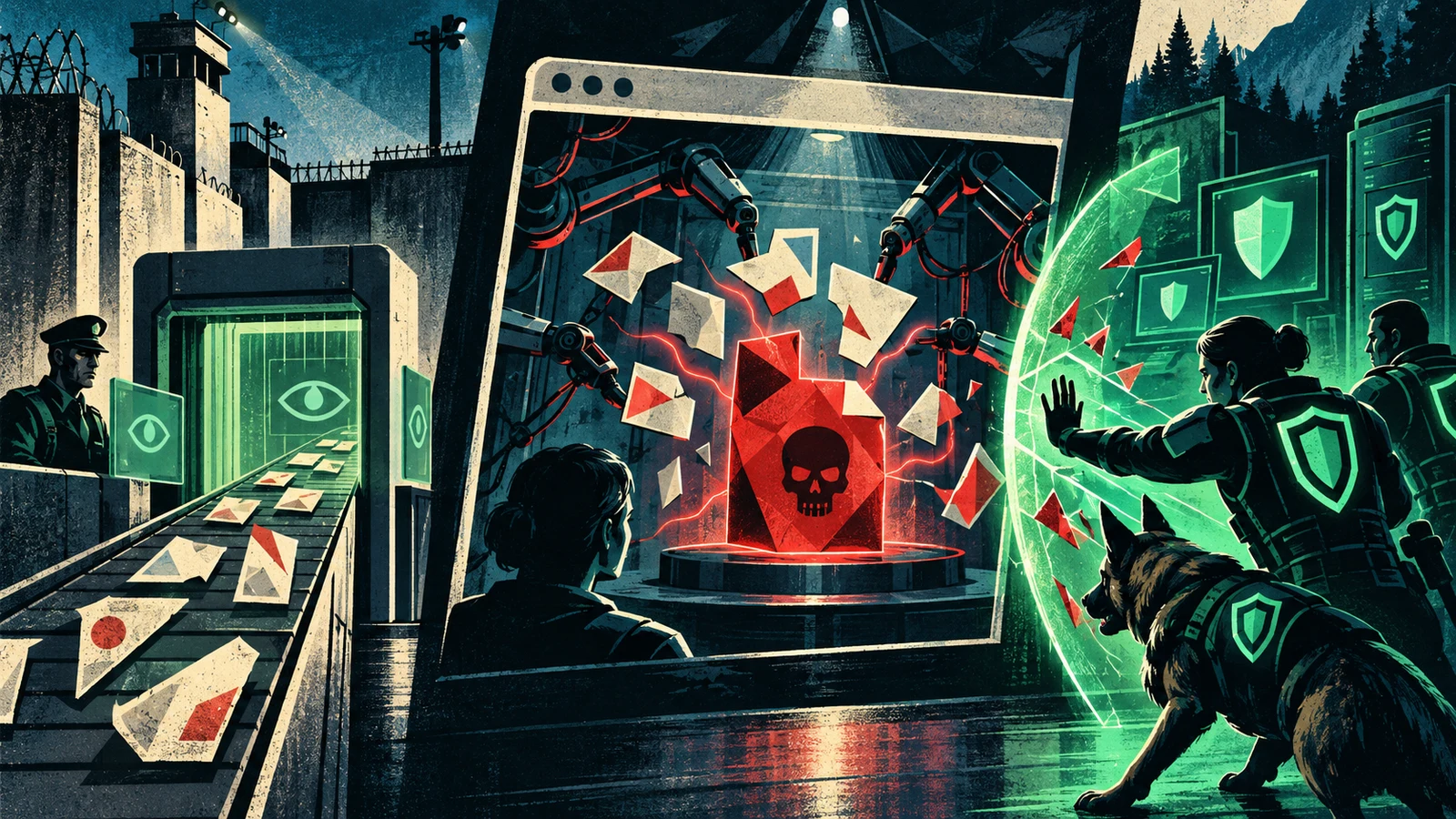
HTML smuggling answers by not sending a file. The email carries an HTML page, or links to one. The page contains the payload as a string of encoded text and a few lines of JavaScript. When the victim opens it, the script decodes the text, assembles it into a Blob, and asks the browser to save it. A file appears in the downloads folder that never existed as a file anywhere on the network.
This guide covers the mechanism, why each layer of inspection misses it, the container-format arms race that ran alongside it, and what actually stops it.
Scope: What Is Phishing owns the lure, Email Security Guide owns gateway configuration, and Attacker File Formats Explained owns the formats the payload arrives in. This page owns the delivery technique.
The mechanism
Three standard browser features, none of them a flaw:
<script>
  // The payload, base64-encoded, embedded in the page
  var data = "TVqQAAMAAAAEAAAA//8AALgAAAA...";

  function toBytes(b64) {
    var bin = atob(b64);
    var arr = new Uint8Array(bin.length);
    for (var i = 0; i < bin.length; i++) arr[i] = bin.charCodeAt(i);
    return arr;
  }

  var blob = new Blob([toBytes(data)], {type: "application/octet-stream"});
  var url  = URL.createObjectURL(blob);
  var a    = document.createElement("a");
  a.href = url;
  a.download = "Invoice_08-2026.iso";   // the filename the victim sees
  document.body.appendChild(a);
  a.click();                             // saves without a further request
</script>
The three pieces:
- A Blob holds arbitrary bytes constructed in the page.
URL.createObjectURL()produces ablob:URL referring to those bytes in the browser's own memory.- The
downloadattribute on an anchor tells the browser to save the target rather than navigate to it, with a filename the page chooses.
Clicking that anchor programmatically saves the file. No network request is made for the payload, because the payload was already there, encoded as text inside the page.
Variations exist and change nothing structurally. Some pages fetch the encoded blob from a second server after a click, some XOR or otherwise obfuscate it so the base64 signature is absent, some require a password typed by the victim before assembly, and some split the payload across several strings scattered through the document. All of them share the property that the reconstruction is client-side.
Why the inspection layers miss it
The email gateway receives an HTML document. There is no attachment structure to unpack, no archive to expand, no PE header to recognise, no macro to analyse. Content scanning sees markup and text.
Signature matching can be defeated by any encoding change, and the payload is not present in its native form anyway.
The web proxy, when the page is linked rather than attached, sees an HTTPS request to a website and an HTML response. It never sees the executable transfer because there is no executable transfer.
Sandbox detonation is the layer that can work, and it has known limits. The sandbox must render the page and execute its JavaScript. Pages that require a click, a typed password, a specific user agent, or a delay defeat detonation cheaply. So does a page that fetches its payload only from an address that responds once.
Endpoint antivirus does get a look, because the assembled file lands on disk. This is the layer that catches unmodified commodity payloads, and it is a static scan against a file the attacker fully controls and has tested against the same engines.
The technique appeared in commodity banking malware campaigns and in state-actor operations from around 2021 onward, and it persists because the underlying property has no patch: a browser that can construct a file locally can construct a malicious one.
The container-format layer
The downloaded file is rarely the final payload. It is usually a container, and the choice of container has been driven by one Windows feature.
Mark of the Web tags files that arrive from the internet with a zone identifier held in an alternate data stream. Applications act on that tag. Office opens marked documents in Protected View and, since the 2022 change to macro handling, blocks macros in files marked as internet-sourced. SmartScreen evaluates marked executables. The shell warns before running them.
For an attacker, the tag is the obstacle, and container formats were the way around it. A file extracted from a mounted ISO did not inherit the marker, so a macro-enabled document inside an ISO opened without Protected View and without the macro block. The same held for VHD and for some archive tools' extraction behavior.
The sequence that followed:
| Period | Common shape | What closed it |
|---|---|---|
| Through 2021 | Macro-enabled Office documents attached directly | Macro blocking for internet-sourced files |
| 2022 | ISO and IMG containers holding an LNK plus a DLL | MOTW propagated into mounted ISO contents |
| 2022 onward | Password-protected archives, containers holding a script or LNK | Gateway policy on the file types themselves |
Password-protected archives deserve their own note, because they defeat detonation completely rather than partially: the sandbox cannot open the file at all, and the password is helpfully supplied in the phishing page or email body for the human.
The lesson is that each fix moved the technique rather than ending it, and the durable controls are about what file types are permitted to arrive and execute, rather than about any single format.
Defenses that work
Ordered by effectiveness in most estates.
Block HTML attachments at the gateway. .html, .htm, .shtml and .svg as attachments have limited legitimate use in most organisations, and blocking them removes the primary delivery path. SVG is on the list because it can carry script and has been used the same way.
Block the container formats. ISO, IMG, VHD, VHDX and CAB arriving by email are almost never legitimate for a normal user. Blocking them at the gateway, and blocking the mounting of disk images on workstations by policy, removes the payload's wrapper.
Enforce Mark of the Web and keep the applications current, so that documents from the internet stay in Protected View and macros stay blocked.
Application control. If only approved binaries can execute, a delivered loader is inert. This is the highest-effort and highest-value control on the list.
Attack surface reduction rules. Blocking executable content from email and webmail, blocking JavaScript and VBScript from launching downloaded executable content, and blocking process creation from Office applications each break a common link in the chain.
Change the default handler for .html files so that a double-click from a mail client does not open a browser. This is disruptive in some environments and decisive in others.
Detonate with a browser that behaves like a user's. Where sandboxing is available, ensure it renders and executes rather than only scanning statically.
Detection
The technique produces a distinctive sequence, and that sequence is what to write detections against.
- A browser process opens a local HTML file (a
file://argument on the command line, or the file appearing in a mail client's attachment directory first) and within seconds writes an.iso,.img,.vhd,.zip,.exe,.dllor.lnkinto the downloads directory. - A disk image is mounted on a workstation. Rare enough in most estates to alert on directly.
- A process executes from a mounted volume that is not a fixed drive.
- HTML files containing large base64 blobs or the combination of
Blob,createObjectURLanddownloadin an attachment. Content inspection at the gateway can flag this even when it cannot decide maliciousness. - An LNK file executing a script interpreter from a path that was mounted moments earlier.
Sigma Rules Explained covers writing these portably, and the process-ancestry pattern is the same reasoning used throughout Living Off the Land Explained.
What users should see
Since the technique ends with a human double-clicking something, awareness has a role and it needs to be specific rather than general.
The useful signals for a recipient: an attachment that opens a web page in a browser and immediately downloads a file, a downloaded file whose type does not match what the message described, a disk image or archive that arrives with a password in the email body, and an "invoice" or "document" that turns out to be a shortcut file. Social Engineering Playbook covers the pretexts that carry these.
The verdict
HTML smuggling works because the assembly happens where inspection is not. Nothing about it is a vulnerability, so no patch removes it, and the gateway will keep seeing a text document while an executable appears on the endpoint.
The controls that hold are unglamorous policy decisions: do not accept HTML and disk-image attachments, do not let disk images mount on workstations, keep Mark of the Web working, and detect the browser-writes-a-container sequence at the endpoint. Every one of those is a decision about file types rather than about detecting maliciousness, which is why they survive the next variation of the technique.