Infostealer: The Malware Behind Most Breaches
Infostealers grab saved passwords, session cookies and crypto wallets in seconds, then sell the logs. How they work, why cookies defeat MFA, and how to defend.
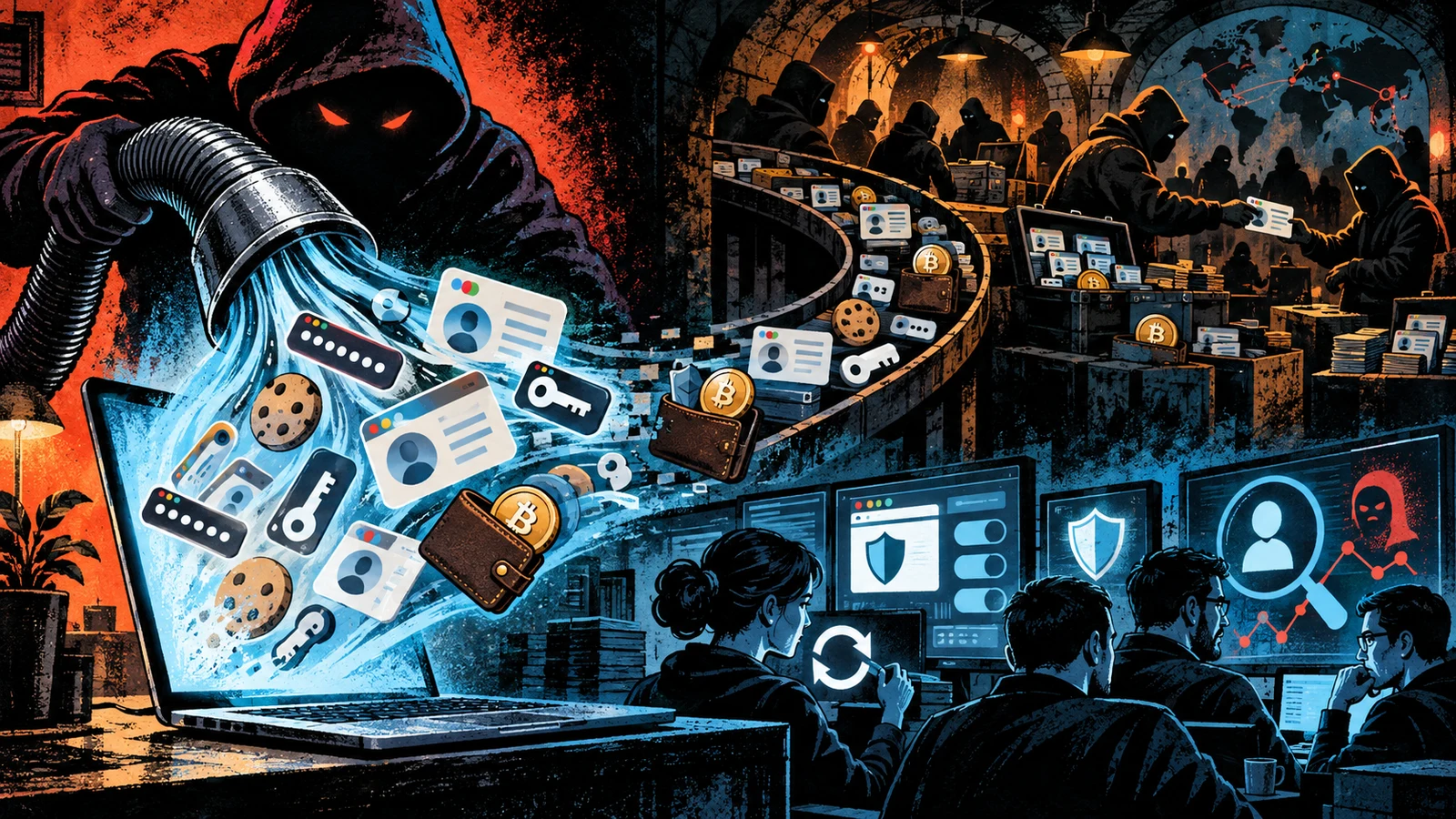
Ask people to picture malware and they imagine ransomware: locked screens, ransom notes, chaos. The quieter and arguably more consequential threat leaves no trace at all. Infostealers get in, copy your saved passwords, your logged-in session cookies and your crypto wallet, and are gone in seconds. You may never know it happened. Weeks later, someone logs into your accounts as you.
Infostealers, or simply stealers, have become the engine behind a large share of modern breaches, because they solve the attacker's hardest problem cheaply: getting valid credentials.
What a stealer actually takes
An infostealer is purpose-built to grab high-value data fast. On a typical run it collects:
- Saved browser passwords from the credential stores of Chrome, Edge, Firefox and others.
- Session cookies and tokens, the files that keep you logged in without re-entering a password.
- Autofill data: names, addresses, sometimes payment details.
- Cryptocurrency wallets and browser wallet extensions.
- Files matching patterns an operator cares about, like documents named for seed phrases or credentials.
- System and application data: what is installed, messaging app sessions, VPN configs, sometimes screenshots.
All of it is packaged into a bundle the criminal ecosystem calls a log, then exfiltrated to the operator. On MITRE ATT&CK the behaviour maps to Credentials from Password Stores (T1555) and Steal Web Session Cookie (T1539).
Why the session cookie is the real prize
Passwords are useful, but a well-defended account behind multi-factor authentication resists a stolen password alone. The stolen session cookie is what changes the game.
When you log in and complete MFA, the service hands your browser a session token so it does not have to challenge you on every click. That token represents an already-authenticated session. If an attacker steals it and imports it into their own browser, they resume your session as though they had passed every check, because from the service's perspective, someone already did.
This is why "we have MFA" is not a complete answer to infostealers. MFA protects the login. It does nothing about a session that is already open. Defeating cookie theft takes different controls: short session lifetimes, binding sessions to a device or IP, and re-authentication for sensitive actions.
A recurring breach pattern: an employee saves a corporate login in a personal browser, installs cracked software at home, and gets a stealer infection. The log, sold for a few dollars, contains a working corporate session. Investigations into several large incidents have traced the root cause to exactly this chain.
The smash-and-grab model
Most stealers do not behave like the patient, persistent malware of espionage campaigns. They run a smash-and-grab. The typical lifecycle:
- Execute once on the victim machine.
- Enumerate and collect the browser stores, cookies, wallets and target files.
- Exfiltrate the log to a server or chat-based drop.
- Leave, often without installing persistence at all.
Speed is the design goal. The less time on the machine, the smaller the detection window. Persistence is a liability, not a requirement, because the value was already extracted in the first few seconds.
How infostealers spread
Stealers rarely need clever exploits. They rely on getting a user to run them, through delivery that is social far more than technical:
- Cracked software and game cheats, bundled with a stealer.
- Fake updates and fake installers pushed through malvertising and poisoned search results.
- Paste-a-command lures ("ClickFix" and fake CAPTCHA pages) that talk the user into running a script.
- Malicious attachments and links in phishing, frequently wrapped in the same abused file formats attackers use for other payloads.
That last point is worth pulling on. The file that delivers a stealer is usually one of a small set of abused formats: a script, an archive, a disk image, a malicious installer. Our File-Format Abuse Atlas catalogues those delivery formats and how to detect them, which is the same choke point where you stop a stealer before it runs.
The stealer-log economy
Infostealers are a business, and the product is the log. Operators run stealers as a service, and the harvested logs flow into marketplaces and channels where they are sorted, searched, and sold. Buyers include initial-access brokers, who mine logs for corporate credentials and resell the resulting foothold to ransomware crews and other groups.
This is why a single stealer infection can end as a full network compromise weeks later, handled by an entirely different actor. To see who buys these footholds and what they do next, our Threat Groups directory tracks the ransomware cartels and access brokers that sit downstream of the stealer supply chain.
Family names churn constantly (RedLine, Raccoon, Vidar, Lumma, StealC on Windows, Atomic Stealer on macOS), as operations get disrupted and rebrand. Chasing individual families is a losing game. The behaviour and the delivery are what stay constant, and what you defend against.
How to defend against infostealers
Because delivery is social and execution is fast, defense has to be layered across the whole chain:
- Cut off delivery. Application control and sensible download policies stop cracked software and fake installers. User awareness of paste-a-command lures matters, because those bypass most technical controls.
- Store less in the browser. Every saved password and live session is loot. A dedicated password manager with a locked vault, and not relying on browser-saved corporate logins, shrinks the prize.
- Shorten and bind sessions. Reduce session lifetimes, require re-authentication for sensitive actions, and bind sessions to a device where the platform supports it, so a stolen cookie expires or fails elsewhere.
- Prefer phishing-resistant auth. Passkeys and hardware security keys remove the reusable shared secret entirely for the login step.
- Monitor for exposure. Services that track stealer logs can alert you when credentials for your domains surface, turning a silent infection into an actionable signal.
- Assume compromise on infection. If a device is hit, rotate the credentials and invalidate the sessions that were on it. The password change is not enough on its own if the live cookie is still valid somewhere.
After a suspected stealer infection, force a global sign-out to invalidate existing sessions, then rotate passwords. Changing the password while leaving the stolen session token valid leaves the attacker logged in.
Infostealers are not glamorous and they are not clever. They are cheap, fast, and quietly responsible for a huge amount of downstream damage, because they turn one careless moment on one machine into a working key. Defend the delivery, shrink what a browser hands over, and treat sessions as the credential they really are.
How a stealer harvests browser secrets
The browser is the richest target on most machines, so it is worth understanding how a stealer empties it. Chromium-based browsers, which include Chrome and Edge, store saved passwords and cookies in local database files. Those values are encrypted, but the encryption key is stored on the same machine, protected by the operating system's per-user data protection. A process running as the logged-in user can ask the operating system to unwrap that key, exactly as the browser itself does, and then decrypt the saved passwords and cookies. The stealer does not break cryptography. It reuses the victim's own logged-in session and the browser's own key handling to read what the browser can already read.
That is the core of the smash-and-grab. The stealer locates the browser profile directories, copies the credential and cookie databases, requests the local decryption key, and unwraps the secrets in memory. It repeats this for every browser profile it finds, then moves on to wallet extensions, messaging app session files, and any documents matching patterns the operator configured. The whole sweep can finish in seconds because none of it requires waiting, exploiting, or escalating. Everything the stealer wants is readable by the user it is already running as.
Stealers rarely need administrator rights. Saved passwords, cookies, autofill data, and wallet files all belong to the user's own profile, and the user can read them by design. That is why a stealer delivered through cracked software or a paste-a-command lure, running with ordinary privileges, still walks away with everything of value. Privilege escalation is a step for other malware; a stealer skips it because the loot is already in reach.
A representative infection chain
Follow one plausible sequence from lure to loss, with no exotic exploit anywhere in it.
- A user searches for a paid application and clicks a promoted result that impersonates the official download page.
- The page serves an installer that carries the stealer alongside, or instead of, the promised software.
- The user runs the installer, granting it the ordinary permissions any installer expects.
- The stealer executes once. It enumerates browser profiles, copies and decrypts saved passwords and cookies, grabs wallet extensions and messaging sessions, and scans for files matching seed-phrase and credential patterns.
- It bundles everything into a log and exfiltrates it to a server or a chat-based drop.
- It exits, often leaving no persistence, because the value was extracted in the first seconds.
- Days or weeks later, a buyer imports one of the stolen session cookies and resumes an authenticated session, or an initial-access broker mines the log for a corporate credential and sells the foothold onward.
The gap between step 6 and step 7 is what makes stealers so damaging. The victim experiences nothing at the moment of theft. The consequence arrives later, handled by a different actor, which is why the infection and the breach often look unrelated in an investigation.
Detection signals
Because a stealer aims to run once and leave, detection leans on catching the run itself and the exfiltration around it. Concrete indicators worth watching:
- A freshly executed binary reading multiple browser profile databases in quick succession. Legitimate software rarely opens the credential and cookie stores of several browsers back to back. That access pattern is a strong tell.
- A short-lived process making an outbound connection to an unfamiliar host or a chat platform API, then exiting. The exfiltration of a log is a burst of upload traffic from a process with no reason to send data out.
- Access to the browser's local encryption key by a process that is not the browser. Requests to unwrap the browser data-protection key from an unexpected process indicate credential harvesting in progress.
- Reads of cryptocurrency wallet directories and browser wallet extension storage. Ordinary applications do not enumerate wallet files. A process touching them is suspicious by default.
- Paste-a-command execution. A command interpreter launched with a long encoded or scripted argument, shortly after the user visited a page, is the fingerprint of a ClickFix-style lure.
- After the fact, credentials for your domains appearing in stealer-log feeds. Exposure monitoring turns a silent past infection into an actionable present signal.
Signature-based detection struggles with stealers because families churn and repack constantly. The durable signal is the behaviour: a process that is not your browser reading your browser's password and cookie databases and then sending data out. Alerting on that access pattern catches new and unknown families that a hash-based rule would miss.
Infostealers compared with other malware
Stealers occupy a specific niche in the malware landscape, and contrasting them with neighbours clarifies what they are and are not.
| Malware type | Primary goal | Time on host | Persistence | Victim notices |
|---|---|---|---|---|
| Infostealer | Harvest credentials, cookies, wallets | Seconds | Usually none | Rarely, until later abuse |
| Ransomware | Encrypt data for extortion | Minutes to hours | Until payload fires | Immediately, by design |
| Banking trojan | Intercept financial sessions | Persistent | Yes | Sometimes |
| Remote access trojan | Ongoing remote control | Persistent | Yes | Rarely, if stealthy |
| Keylogger | Capture keystrokes over time | Persistent | Yes | Rarely |
The distinguishing traits are the short dwell time and the optional persistence. A stealer wants in and out before anything notices, because its product, the log, is fully collected in the first pass. Compare the ransomware row, which announces itself deliberately once the encryption completes. See What Is a Trojan Horse for the delivery wrapper that stealers frequently share with these other families.
Common misconceptions
Several widely held beliefs leave people exposed to stealers.
- "We have MFA, so stolen passwords do not matter." MFA protects the login step. A stolen session cookie represents a session that already passed MFA, so importing it walks past the check. Session controls, not MFA alone, address cookie theft.
- "Changing the password fixes it." If the live session token is still valid, the attacker stays logged in after a password change. You have to invalidate existing sessions as well, then rotate the password.
- "Only careless people on sketchy sites get hit." Delivery increasingly uses poisoned search results for legitimate software, fake update prompts, and convincing paste-a-command lures. The victim often believes they are doing something routine.
- "It is just my personal machine, not a work problem." A personal device holding a saved corporate login is a corporate exposure. The recurring enterprise breach pattern starts on exactly such a device.
- "Antivirus will catch it." Stealer families repack frequently to dodge signatures, and delivery talks the user into approving execution. Behavioural detection and reduced browser storage matter more than a static blocklist here.
- "A stealer that leaves no persistence did no lasting harm." The harm is the exfiltrated log, which is permanent. The absence of persistence means nothing survives on the host, and the stolen credentials and cookies are already gone.
How the stealer ecosystem evolved
Credential theft is old, but the modern stealer economy took its current shape as a service business. Operators build and maintain the malware, then rent it to affiliates on a subscription, handling the collection infrastructure so a buyer needs little skill. The affiliates handle delivery through cracked software, malvertising, and lures. The harvested logs flow into marketplaces and channels where they are parsed, deduplicated, searched by domain, and sold. Downstream, initial-access brokers specialise in mining those logs for corporate credentials and reselling the resulting footholds to ransomware crews.
Two shifts pushed stealers to the center of the breach economy. The first was the industry-wide move to session tokens and single sign-on, which made a stolen cookie a skeleton key to many services behind one login. The second was the spread of MFA, which raised the cost of using a stolen password and made the already-authenticated session cookie the more valuable target. Stealers adapted to grab cookies as the priority item. Family names cycle constantly as operations are disrupted and rebrand, which is why chasing individual names is a losing game. The service model, the log as product, and the session cookie as prize are the constants. To see who sits downstream buying these footholds, our Threat Groups directory maps the access brokers and ransomware crews that depend on the stealer supply chain.
What lives inside a stealer log
The log is the product, so it is worth knowing what a buyer actually receives. A typical log is a structured bundle, one folder per victim, containing the harvested material sorted for easy searching. Inside you commonly find a file of saved browser passwords with the site, username, and plaintext password for each; a set of exported cookies ready to import into another browser; autofill records with names, addresses, and sometimes card data; wallet files and extension data; screenshots of the desktop at the moment of infection; and a system profile listing the operating system, installed software, and hardware fingerprint.
That system profile matters more than it looks. It lets a buyer tell a home machine from a corporate laptop, identify which company an employee belongs to, and gauge how valuable the foothold is before spending anything. A log tied to a machine on a corporate domain, carrying a live session to a company single sign-on portal, is worth far more than one from a personal device, and the profile is how buyers sort for exactly that. This sorting is why a single infection can be routed to precisely the actor who can monetise it, and why the interval between theft and abuse can stretch to weeks while the log changes hands.
The cookies are the part that ages fastest and hurts most. A password in a log may already have been changed by the time a buyer acts. A session cookie, if still within its lifetime, is a working key that needs no password and faces no MFA prompt. This is the mechanical reason short session lifetimes and device binding blunt the value of a log even after the theft has happened.
Frequently asked questions
Does antivirus stop infostealers? It stops some, and it misses many. Families repack frequently to evade signatures, and delivery relies on convincing the user to run the payload, which sidesteps technical blocks. Layered defense, cutting delivery, storing less in the browser, shortening sessions, and monitoring for exposure, matters more than any single scanner.
If I have MFA, am I safe from stealers? No. MFA guards the login. A stolen session cookie carries an already-authenticated session, so an attacker who imports it does not face the MFA challenge again. Short session lifetimes, device binding, and re-authentication for sensitive actions are what address cookie theft.
How do I know if I was hit? The theft itself is quiet, so watch for the aftermath: unfamiliar logins, alerts that credentials for your domains appeared in a stealer-log feed, or the behavioural signals of a process reading browser stores and exfiltrating. Exposure-monitoring services are the most reliable way to learn a past infection leaked your credentials.
What should I do first after a suspected infection? Force a global sign-out to invalidate active sessions on the affected accounts, then rotate the passwords. Doing the password change first while the live cookie stays valid leaves the attacker logged in. Assume everything saved in the browser on that device is compromised and rotate accordingly.
Why are session cookies more valuable than passwords now? Because they bypass the controls built to protect the login. A password still faces MFA. A session cookie represents a session that already cleared MFA, so reusing it resumes access with no further challenge. That is why modern stealers prioritise cookies.
Are Mac users at risk? Yes. Dedicated macOS stealers exist and target the same assets: browser data, keychains, and wallets, delivered through the same cracked-software and fake-update channels. The platform is different; the playbook is the same.
Can a password manager protect me? It helps by keeping credentials out of the browser's own store and behind a locked vault, which shrinks the loot a stealer can grab in one pass. It is not a complete answer, because a stealer running on an unlocked machine may still capture what is in use. Pair it with short sessions, phishing-resistant login, and a firm habit of never saving corporate logins in the browser itself.
How long does a stolen session stay usable? As long as the session token remains valid on the service. A service with long-lived sessions and no device binding can leave a stolen cookie usable for a long time. Shortening session lifetimes and requiring re-authentication for sensitive actions directly caps that window, which is the single most effective control against cookie reuse.