ClickFix Attacks: The Fake CAPTCHA That Runs Malware
How ClickFix fake CAPTCHA and 'press Win+R, paste' lures work, the macOS and FileFix variants, their payloads, and how to detect and block them.
A page asks you to prove you are human. Instead of picking traffic lights, it shows three steps: press the Windows key and R, press Ctrl+V, press Enter. It looks like an odd new verification flow. What you have just done is paste a PowerShell command into the Windows Run dialog and execute it, and an infostealer is now copying your saved passwords.
That is ClickFix. It needs no exploit and no file download prompt. The user does the execution, which is why it spread so quickly.
Where ClickFix came from
Proofpoint named the technique in June 2024 in a report titled From Clipboard to Compromise: A PowerShell Self-Pwn. Its researchers saw it used by TA571, an initial access broker sending phishing email, and by the ClearFake cluster, which injects fake browser update pages into compromised websites. The early lures were fake error messages for Chrome, Word and OneDrive with a "How to fix" button. Proofpoint noted the lure "provides both the problem and a solution so that a viewer may take prompt action without pausing to consider the risk."
Microsoft Threat Intelligence says it first observed the technique between March and June 2024 and that ClickFix now targets "thousands of enterprise and end-user devices globally every day". In its Digital Defense Report 2025, Microsoft states ClickFix was the most common initial access method in Defender Experts notifications over the year, accounting for 47% of attacks, ahead of phishing at 35%.
MITRE ATT&CK tracks the behaviour as User Execution: Malicious Copy and Paste (T1204.004).
How a ClickFix attack works, step by step
- Delivery. The victim lands on the lure page through a phishing email, a malicious ad, a poisoned search result or a compromised legitimate site. Sekoia documented a framework it calls IClickFix that injected the lure into more than 3,800 compromised WordPress sites and delivered NetSupport RAT.
- The lure. The page imitates something familiar: a reCAPTCHA or Cloudflare Turnstile check, a "document failed to load" error, a Booking.com verification.
- Clipboard hijack. When the victim clicks "I'm not a robot" or "Fix", JavaScript on the page writes a command to the clipboard. Browsers allow this after a user click, and legitimate sites use the same feature for "copy code" buttons, so nothing warns the user.
- Instructions. The page tells the user to press Win+R (or open PowerShell or Terminal), paste and press Enter. Many lures add a comment to the end of the command, such as
# I am not a robot - reCAPTCHA Verification ID: 1234, so the visible part of the Run box looks harmless. - Execution. The pasted one-liner runs with the user's rights. Common forms call
mshtawith a remote URL, orpowershellwith a hidden window and an encoded or obfuscated string that downloads the next stage. - Payload. The downloaded stage installs the real malware, often through a chain of loaders, and the infostealer starts harvesting.
No real CAPTCHA, website or IT fix will ever ask you to press a key combination and paste something into Run, PowerShell, Terminal or a file path box. If a web page asks you to do that, close it. This one rule covers ClickFix, its macOS form and FileFix.
The macOS variant
In June 2025 Microsoft reported ClickFix campaigns targeting macOS that delivered variants of Atomic macOS Stealer (AMOS). The lure tells the user to open Terminal and paste a shell one-liner. It fetches a script that prompts for the user's password, and the stealer uses that password to harvest credentials and crypto wallet data. The rest of the logic is the same: the user runs the command, so Gatekeeper's checks on downloaded apps never come into play.
FileFix
In June 2025 the researcher mr.d0x published FileFix, a variant that uses the File Explorer address bar instead of the Run dialog. The page opens a real file upload window and asks the user to paste a "file path" into its address bar. The pasted text is a PowerShell command followed by a comment containing a fake path, so only the path shows in the box. mr.d0x observed that the command is spawned by a browser process, and recommended watching browsers for child processes like cmd.exe, powershell.exe and mshta.exe. FileFix matters for defenders because blocking Win+R alone does not stop it.
Common lure themes
The wording changes from campaign to campaign. The request at the end stays the same.
| Lure | What the page claims | Seen in |
|---|---|---|
| Fake CAPTCHA | "Verify you are human" with Win+R steps | Microsoft, Sekoia (fake Cloudflare Turnstile) |
| Fake browser or document error | A Chrome, Word or OneDrive page failed to load and needs a fix | Proofpoint |
| Missing extension | "'Word Online' extension is not installed" with a How to fix button | Proofpoint |
| Brand impersonation | A hotel booking or account verification step | Microsoft (Booking.com phishing campaign) |
| File upload or shared document | Paste a "file path" to open a shared file | mr.d0x (FileFix) |
Lures that arrive by email often target a role. Microsoft's Booking.com campaign went after hospitality staff who expect messages from guests and booking platforms, which made a verification step look routine.
Why it gets past defences
| Defence | Why ClickFix slips past |
|---|---|
| Email attachment scanning | There may be no attachment, only a link to a web page |
| Browser download warnings | Nothing is downloaded by the browser; the command fetches it |
| Mark-of-the-Web and SmartScreen | The initial command is typed by the user, so no file carries the web origin mark |
| Exploit protection | No vulnerability is used |
| User suspicion of .exe files | The user never sees an executable, only a "verification step" |
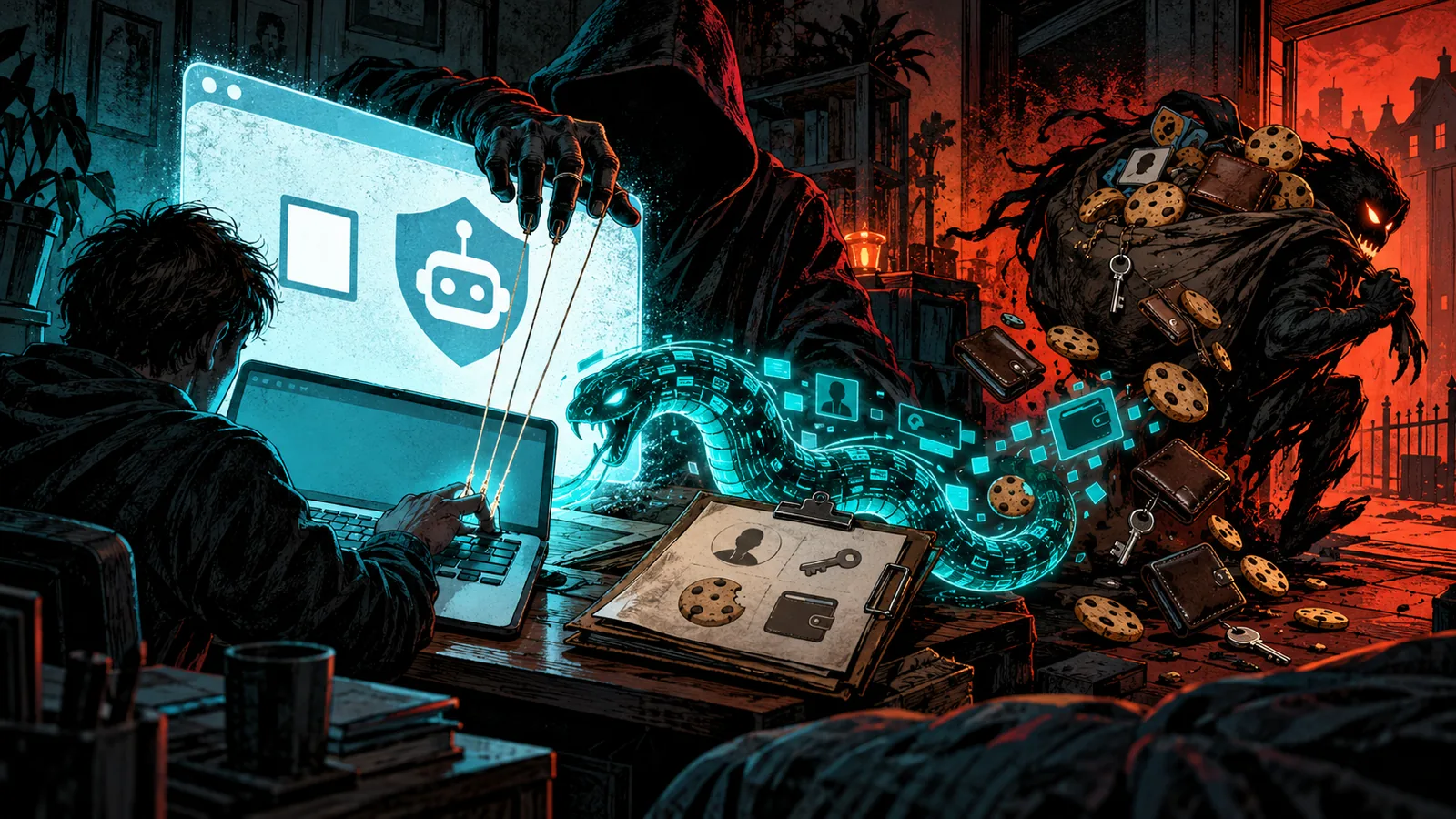
Microsoft summarises it as a technique that "tricks users into executing malicious code themselves, bypassing traditional phishing protections." The defences that work are the ones that act at execution time or limit what a user can run.
What the payloads are
Researchers have tied ClickFix to a wide range of malware.
| Family | Type | Reported by |
|---|---|---|
| Lumma Stealer | Infostealer | Microsoft (most prolific), Proofpoint |
| Vidar | Infostealer | Proofpoint |
| Atomic macOS Stealer (AMOS) | macOS infostealer | Microsoft |
| DarkGate, NetSupport RAT | Loader, remote access trojan | Proofpoint, Sekoia (NetSupport) |
| Xworm, AsyncRAT | Remote access trojans | Microsoft |
| Latrodectus, MintsLoader | Loaders | Microsoft |
| Matanbuchus, Amadey | Loaders | Proofpoint |
Infostealers dominate because they pay off immediately: one run collects saved passwords, cookies and wallets, which feed the stealer-log economy. Remote access trojans give hands-on access for later intrusion. Some campaigns end in ransomware after a broker resells the foothold.
How to detect ClickFix
ClickFix leaves a short, distinctive trail.
The RunMRU registry key. Commands typed or pasted into the Run dialog are stored per user in HKCU\Software\Microsoft\Windows\CurrentVersion\Explorer\RunMRU. Microsoft points to this key as a forensic record. Values containing powershell, mshta, curl, http, -enc or a # comment followed by "verification" or "captcha" text are strong signals. Hunt across endpoints for those strings.
Process lineage. A command launched from the Run dialog has explorer.exe as its parent. Alert on explorer.exe spawning powershell.exe, pwsh.exe, mshta.exe, cmd.exe or rundll32.exe with network arguments or encoded content. For FileFix, alert on browser processes (chrome.exe, msedge.exe, firefox.exe) spawning the same tools.
PowerShell logging. Turn on script block logging (Event ID 4104) and module logging. Even obfuscated one-liners are recorded after deobfuscation. Our Windows event IDs guide lists the events to collect.
Network. The first stage reaches out within seconds of the paste. Short-lived domains, raw IP addresses and mshta making HTTP requests are all worth alerting on.
EDR rules. Most EDR products now ship ClickFix detections built on the lineage pattern above. Check that yours covers mshta, which many older rules missed, and test with a harmless pasted command.
Query your EDR or registry telemetry for RunMRU values that contain "powershell" or "mshta" together with "http". Ordinary users almost never type those into Run, so every hit deserves a look, and a hit followed by a new outbound connection is very likely an infection.
How to defend against ClickFix
- Disable the Run dialog for non-admins. Microsoft recommends the Group Policy setting under User Configuration > Administrative Templates > Start Menu and Taskbar ("Remove Run menu from Start Menu"), which also disables Win+R. Most staff never need it.
- Restrict PowerShell for ordinary users. Enforce Constrained Language Mode through App Control for Business (WDAC) or AppLocker. It blocks the .NET calls and
Add-Typeuse that most download cradles depend on. Where you can, block PowerShell entirely for user groups that have no use for it. - Block or restrict
mshta.exe. Few environments need HTML Applications. Application control rules or attack surface reduction rules can stop it. Our living off the land guide covers why these built-in binaries are abused. - Turn on PowerShell script block logging and send it to your SIEM.
- Use web and network protection. Microsoft recommends Defender network protection and web protection, and safe links and attachments policies in Defender for Office 365, to cut off the lure pages and the payload hosts.
- Train on the cue. Teach staff that no verification or fix ever asks them to paste into Run, PowerShell, Terminal or a file path box. Add a fake CAPTCHA page to your phishing simulations.
- Treat a hit as a credential compromise. If a ClickFix payload ran, assume the stealer took saved passwords and cookies. Isolate the device, then reset passwords and revoke sessions from a clean machine.
If someone tells you they followed the steps on one of these pages, act within minutes. Disconnect the machine from the network, record the RunMRU value and the page URL, and reset passwords for email, SSO and banking from a different device. Then revoke active sessions with the session kill switch, because stealer payloads take cookies as well as passwords.
For broader context on how these lures fit into social engineering, see our social engineering playbook.
Related guides
Sources & further reading
- Think before you Click(Fix): Analyzing the ClickFix social engineering technique (Microsoft Threat Intelligence)
- From Clipboard to Compromise: A PowerShell Self-Pwn (Proofpoint)
- Microsoft Digital Defense Report 2025 (Microsoft)
- FileFix: A ClickFix Alternative (mr.d0x)
- Meet IClickFix: a widespread WordPress-targeting framework using the ClickFix tactic (Sekoia TDR)
- MITRE ATT&CK: User Execution: Malicious Copy and Paste (T1204.004) (MITRE)